Driver's licenses
Applicants capture their photo directly in your authority's portal. The photo is checked, processed, and handed back to the business application.



- 1. Muster
- 2. Anna
- 3. 12.04.1990
- 7.
Inefficient processes for the authority and citizens
The photo is taken at the counter or submitted as a paper print. It is checked manually — often only after the applicant has long since left.
The result is rejections due to cropping, background, or resolution. They cost a second visit, and in the worst case the error is only noticed when the card is already in production.
From the online application to the business application.
Start from the application portal
Handover from the application portal via API, deep link, or iFrame. On a desktop, a QR code transfers the session to the smartphone — no login, no app.
Checking and processing
More than 35 criteria are checked immediately. If there is an error, the interface states the reason and requests a new upload.
Handover to the business application
The approved image is returned with structured metadata — including a note if checks were overridden.
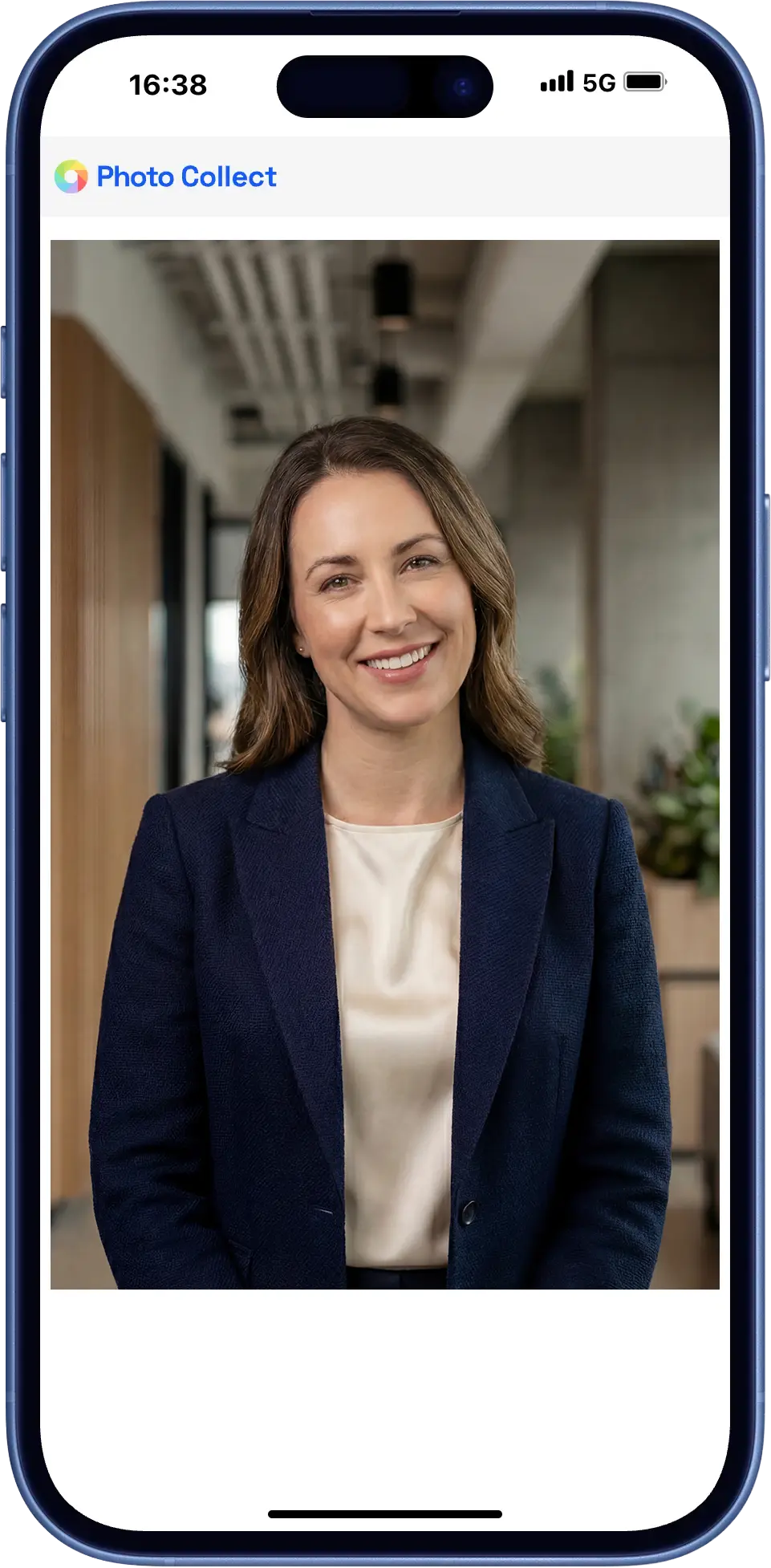
Capture in the application portal
Applicants capture their photo within their ongoing application — via the link in the portal or the QR code on the letter, even before their visit.
- The upload works without login and without app installation
- The ICAO 9303 check runs during upload, and feedback is immediate
- The image remains linked to the ongoing application
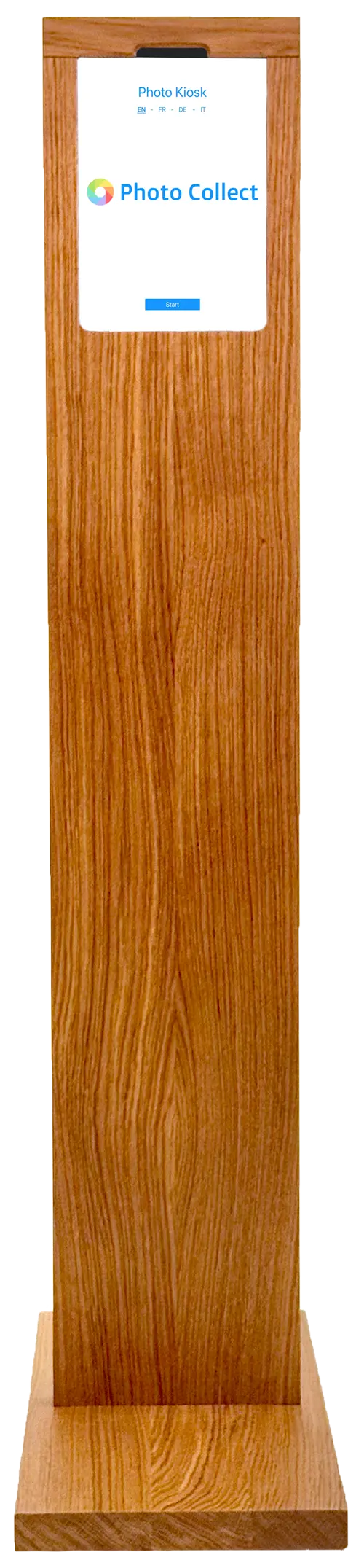
Counter and photo kiosk
Those who come in person are photographed at the counter — assisted by your staff or at the self-service kiosk in the counter area.
- Assisted capture by your staff, without dedicated photo equipment
- Self-service kiosk for the counter area
- The same checks as for uploads from home
Highly automated through to approval.
Photos are immediately checked for consistency and quality and automatically processed to the required format. Optional manual quality control guarantees fully compliant results.





Head not facing forward
Faulty photos are detected during upload — with instant feedback.
- 35+ automatic checks
- Configurable criteria and strictness
- Feedback with specific instructions
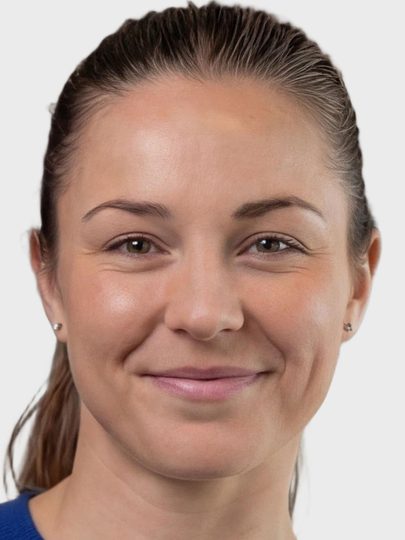


Portrait, close zoom, gray background
Uploaded photos are automatically processed to the required format, including:
- Alignment and centering of the face
- Adjustment of format and zoom
- Background replacement as specified
Photos can optionally be reviewed manually before final approval.
- Integrated messaging for new requests
- New invitation with detailed reason
- Interface designed for large review volumes
No second visit because of the photo.
Checks happen while the applicant can still act — not later in the target system or once the card is already in production.
End-to-end integration
Full connection to existing business applications via REST API or deep link.
Accessible user guidance
Modern photo capture and checking directly in the browser — fully digital, with no login or app.
Automatic check
Quality check and processing according to ICAO, ISO, and country-specific requirements.
What this procedure particularly needs.
Driver's license applications require more than a photo: identity verification, signature, and barrier-free access for all applicants.
Protection against spoofing
A video check detects whether applicants are actually present — manipulated recordings can be rejected.
Document scan
Identity documents can be scanned and data such as name or date of birth automatically transferred.
Signature capture
Applicants can capture and submit a digital signature as part of the process.
Within the existing infrastructure.
Photo Collect is provided as a managed service or operated in the authority's data center. Integration follows the requirements of the business application.
- REST/JSON API, deep link, or iFrame embedding
- Hosted by the provider or on-premise
- Photo capture on smartphone and desktop
- Millions of records per year without performance loss
- REST/JSON API Full control from the business application
- Deep link Session handover without your own integration
- iFrame Capture embedded in the application form
What customers say
“We have replaced the analog process for driver's license photos. Our customers no longer have to go to a photo booth, and we no longer have to do the scanning.”
 M. JaggyStrassenverkehrsamt Kanton Bern
Swiss made, Swiss hosted.
The software is developed in Switzerland and runs in an ISO 27001-certified data center in Switzerland. On-premise hosting available. Sovereign infrastructure and AI models.
Frequently Asked Questions
Does the applicant need to install an app?
No. The upload runs in the device's default browser, with no login and no app installation. On a desktop, a QR code transfers the session to the smartphone.
What happens if someone cannot meet the requirements?
Individual checks — such as head pose or open eyes — can be overridden after a defined number of attempts. The image is then passed on with a note for manual approval.
Do the photos meet ICAO standards?
Yes, the photos captured with Photo Collect meet the requirements of ICAO standards, provided that manual quality control is applied. The ICAO standards define international requirements for passport photos, especially for biometric IDs such as passports.