Student ID cards
Photos for campus cards and the Legi (student ID card) — captured within a few days at the start of the semester, without lines outside the ID card office.



Starting point
At the start of the semester, several thousand people need a card within a few days. An ID card office that takes every photo itself becomes a bottleneck that week.
Submitted images are rarely usable: wrong crop, too small, group photo. Requesting a new one takes more time than taking the photo itself.
From enrollment to card.
Start in the portal
The upload is linked to enrollment — embedded in the portal or via deep link, without an additional account.
Checking and processing
Even with several thousand uploads on the same day, every image is checked immediately and converted to the print format.
Handover to the card office
The export goes to card production in a single batch — named after your student number.
Upload with enrollment
The link goes out with the enrollment letter — by email or as a QR code on the letter.
- The upload works without login and without app installation
- Unusable images are automatically re-requested
- Scalable to thousands of photos in just a few days
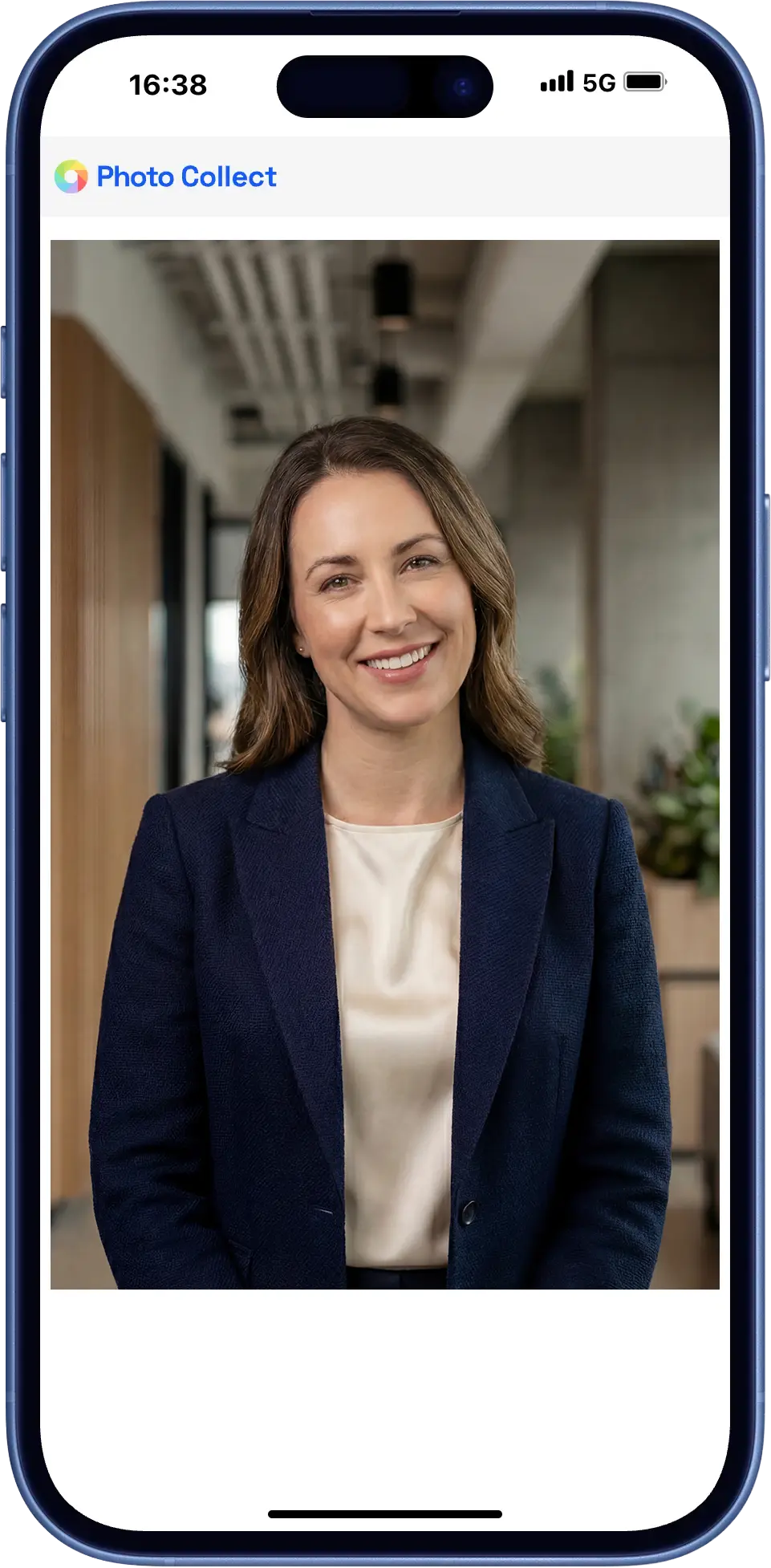
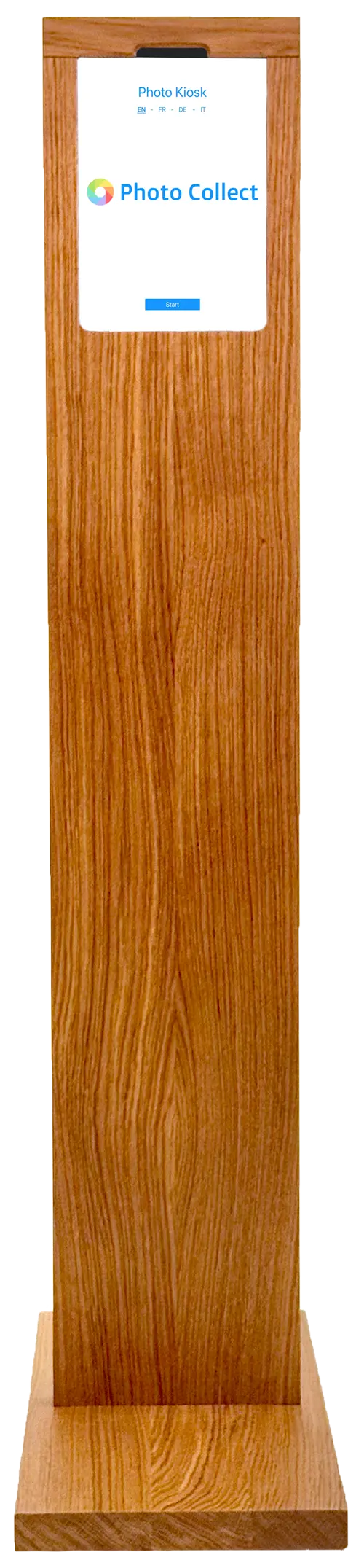
Photo kiosk at the ID card office
For latecomers and anyone without their own device, the self-service kiosk is available at the ID card office or at reception.
- Self-service kiosk at the ID card office
- Assisted capture by your staff
- Integrated background removal, wireless operation possible
Highly automated through to approval.
Photos are immediately checked for consistency and quality and automatically processed to the required format. Optional manual quality control guarantees fully compliant results.





Head not facing forward
Faulty photos are detected during upload — with instant feedback.
- 35+ automatic checks
- Configurable criteria and strictness
- Feedback with specific instructions


Portrait, close zoom, gray background
Uploaded photos are automatically processed to the required format, including:
- Alignment and centering of the face
- Adjustment of format and zoom
- Background replacement as specified
Photos can optionally be reviewed manually before final approval.
- Integrated messaging for new requests
- New invitation with detailed reason
- Interface designed for large review volumes
The start of the semester without a bottleneck.
Several thousand cards in a few days — without the ID card office taking every photo itself.
Before the first day of lectures
The photos come in with enrollment, not in the week the semester starts.
Thousands in parallel
All students capture their photos at the same time, on their own devices.
Back into campus management
The export goes in bulk to card printing or back into campus management via an interface.
What holds up at the start of the semester.
The load isn't spread across the year but concentrated in a few days. The workflow is designed for this.
Without app, without login
The upload runs in the default browser. On a desktop, a QR code transfers the session to the smartphone.
Automatic reminder
Anyone who doesn't respond receives a follow-up invitation. The status can be viewed at any time.
Time-bound capture
Upload links are valid for a limited time and tied to one person — aligned with the registration deadline and cut-off date.
Embedded in the campus portal.
Capture is integrated the way the portal requires — as a step in the form or as a short detour to the smartphone.
- iFrame embedding or deep link with return
- Master data from campus management
- Export in the exact print format
- Millions of records per year without performance loss
- iFrame Capture embedded in the form
- Deep link Session handover without your own integration
- Campus management Enrollment, card office, and printing
- Export as ZIP or via sFTP No integration needed, directly to the target system
Swiss made, Swiss hosted.
The software is developed in Switzerland and runs in an ISO 27001-certified data center in Switzerland. On-premise hosting available. Sovereign infrastructure and AI models.
Frequently Asked Questions
Do students need to install an app?
No. The upload runs in the device's default browser, with no login and no app installation. On a desktop, a QR code transfers the session to the smartphone.
Can master data be imported from campus management?
Yes. Master data comes from campus management via REST API or via Excel import. The export is named after the student number.
How much time does quality control take?
Quality control is an optional quality assurance module and can also be switched off entirely. The interface is designed for fast, parallel review — around one second per photo. Since several people can review at the same time, even tens of thousands of photos per hour can be processed. As a rule, 2–4% of photos are requested again.