Citizen portals
Photo capture is embedded in the existing citizen portal: applicants stay in their familiar workflow, and the checked image goes directly back to the business application.

Starting point
The application runs online, the photo doesn't: it is submitted as a printout, sent later by email, or taken at the counter. The digital process breaks off exactly where it was supposed to provide relief.
For the administration, this means a second channel that someone has to manage. For the applicant, it means a second route, even though they submitted the application long ago.
No break in the online application.
Start in the application form
Capture is a step in the application — embedded as an iFrame or via deep link with return.
Checking and processing
More than 35 criteria are checked immediately. If there is an error, the interface states the reason and requests a new upload.
Return to the business application
The image and metadata go back into the ongoing application — without anyone having to submit files later.
Capture in the application form
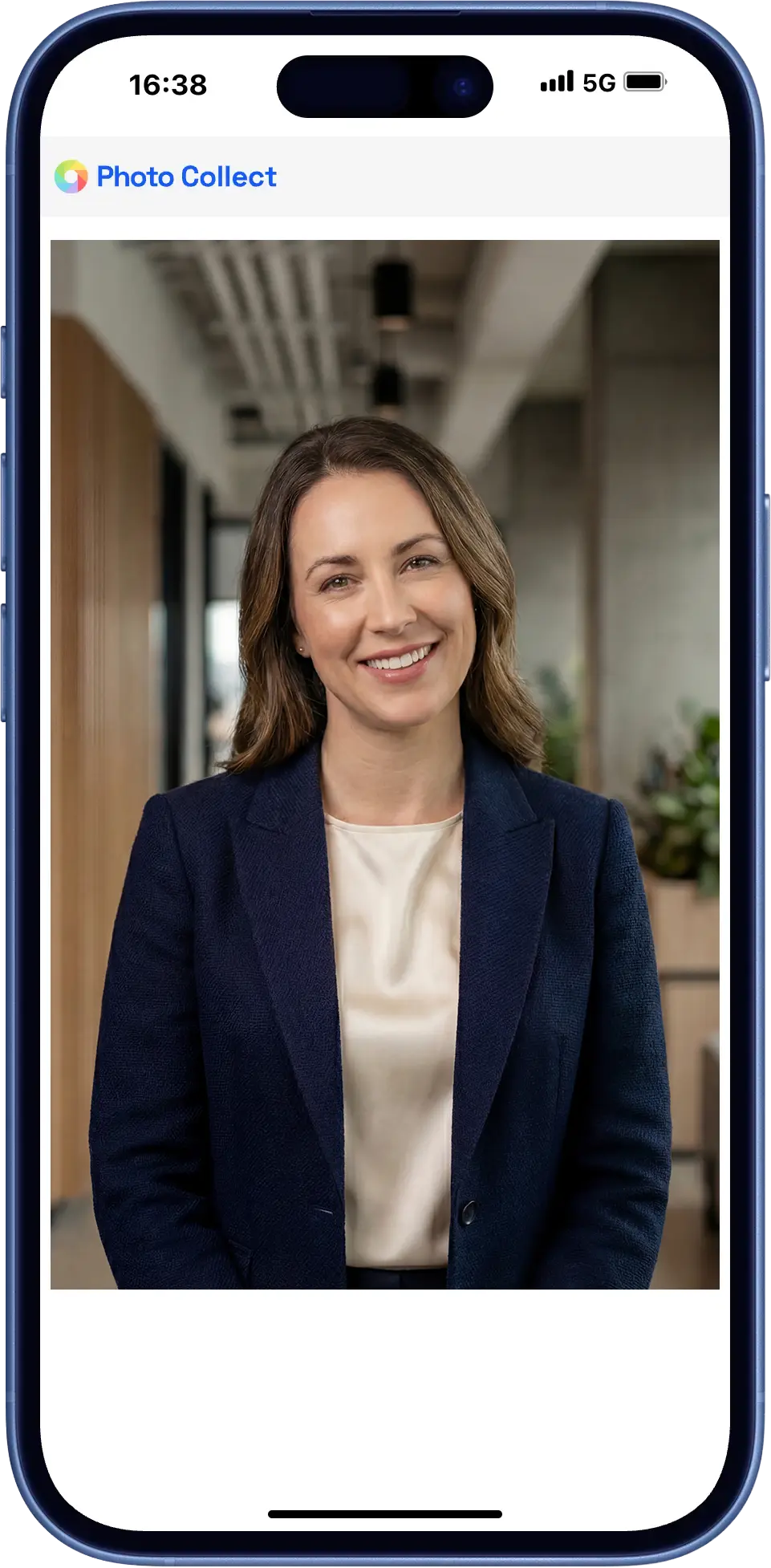
Photo capture is a step in the existing portal. On a desktop, a QR code transfers the session to the smartphone and back again.
- Embedded in the application, without switching channels
- No login and no app installation
- The checked image goes directly back to the business application
Counter and photo kiosk
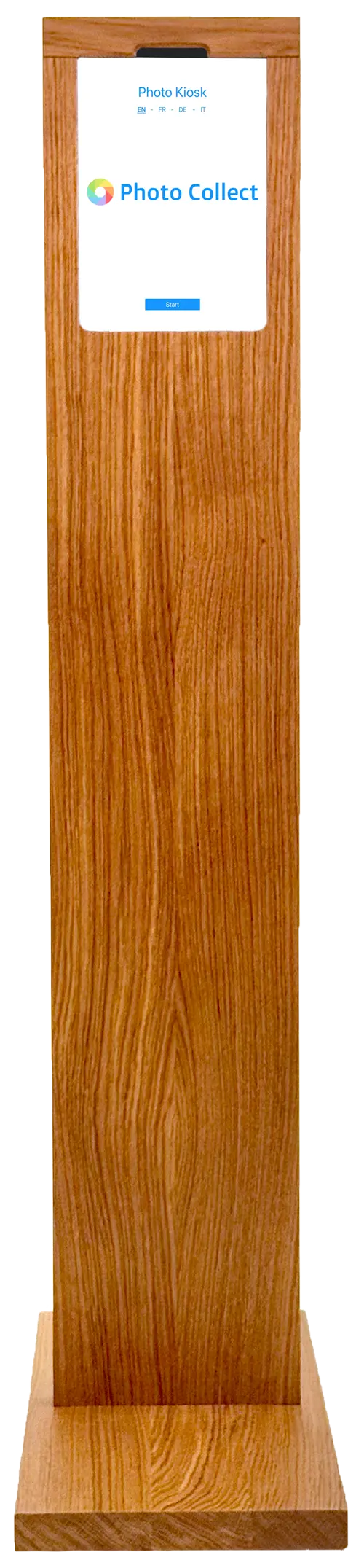
For everyone else, the counter remains an option: assisted capture by your staff or a self-service kiosk in the counter area.
- Assisted capture for people without a smartphone
- Self-service kiosk in the counter area
- Identical checks on both routes
Highly automated through to approval.
Photos are immediately checked for consistency and quality and automatically processed to the required format. Optional manual quality control guarantees fully compliant results.
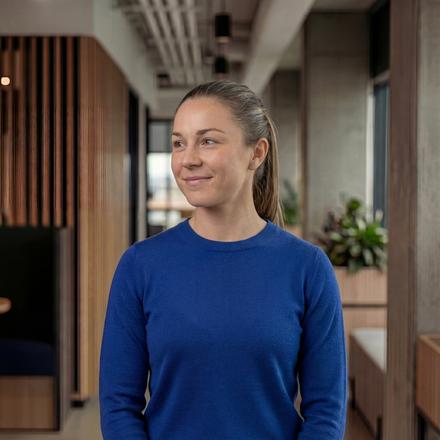

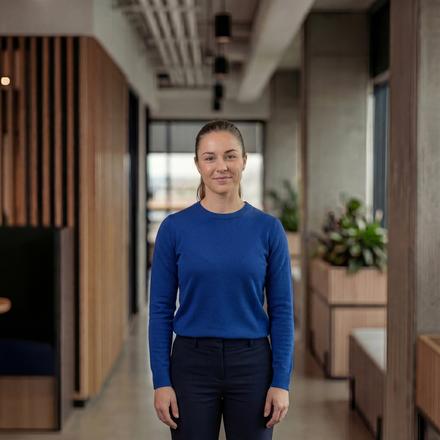
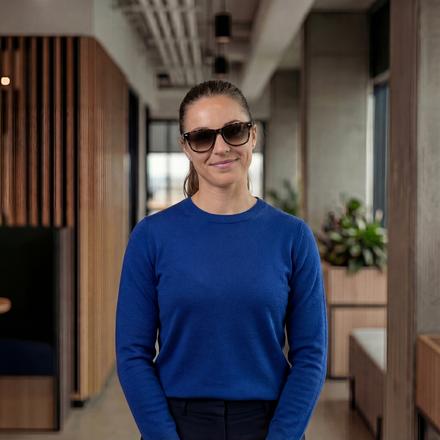
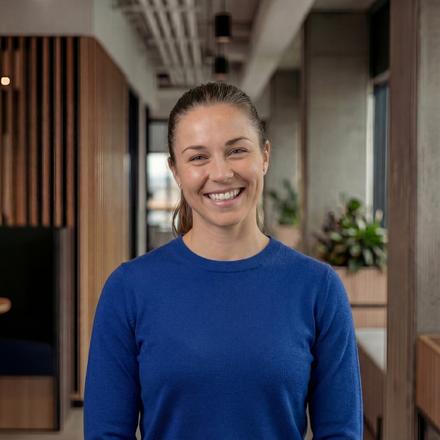
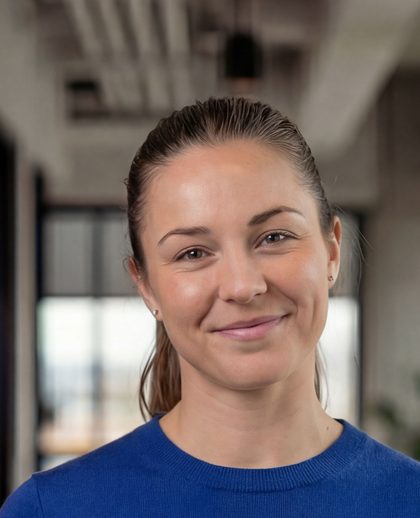
Head not facing forward
Faulty photos are detected during upload — with instant feedback.
- 35+ automatic checks
- Configurable criteria and strictness
- Feedback with specific instructions
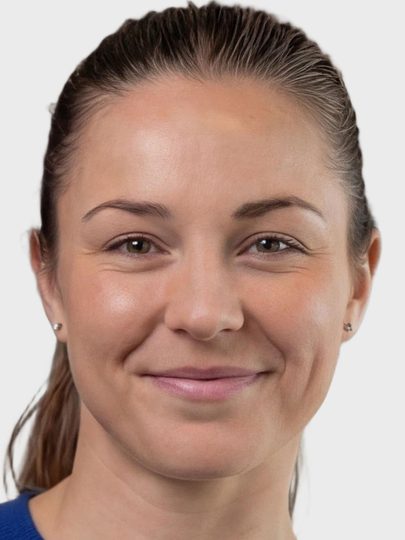
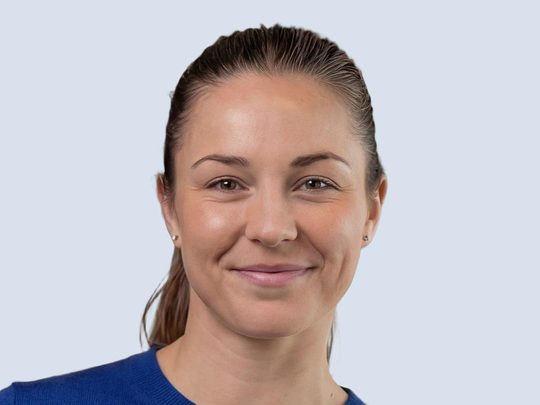
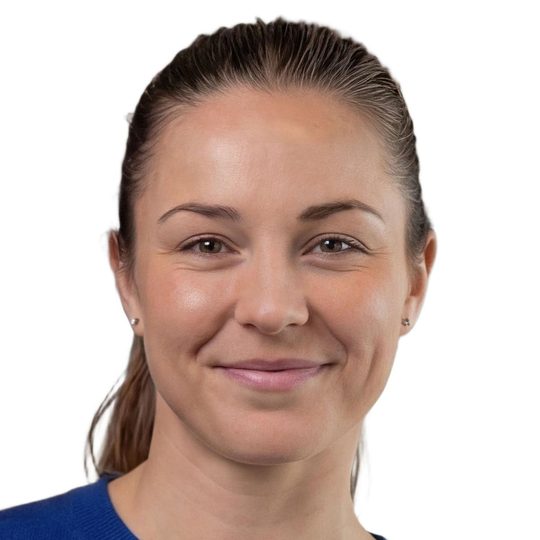
Portrait, close zoom, gray background
Uploaded photos are automatically processed to the required format, including:
- Alignment and centering of the face
- Adjustment of format and zoom
- Background replacement as specified
Photos can optionally be reviewed manually before final approval.
- Integrated messaging for new requests
- New invitation with detailed reason
- Interface designed for large review volumes
The application stays online.
Photo capture no longer breaks up the digital workflow: no second channel for the administration, no second route for the applicant.
One channel instead of two
No paper prints, no follow-up submissions by email, no side process that someone has to manage.
Feedback within the application
Unusable photos are reported and re-requested immediately instead of being noticed later.
Back to the business application
The finished image goes back via an interface to the procedure the application came from.
What a citizen portal requires.
An online application is aimed at everyone — not just those who have a current smartphone and a compliant photo.
Accessible
Individual checks can be overridden after several attempts — with a note for manual approval.
Without app, without login
The upload runs in the default browser. On a desktop, a QR code transfers the session to the smartphone.
End-to-end process
From the start in your application to the return — image and metadata in one continuous workflow.
Embedded in the portal.
Capture is integrated the way the portal requires — as an embedded step or as a short detour to the smartphone and back.
- iFrame embedding directly in the application form
- Deep link with return to the ongoing application
- QR switch from desktop to smartphone
- Return of image and metadata via REST/JSON API
- iFrame Capture embedded in the application form
- Deep link Session handover without your own integration
- REST/JSON API Full control from the business application
Swiss made, Swiss hosted.
The software is developed in Switzerland and runs in an ISO 27001-certified data center in Switzerland. On-premise hosting available. Sovereign infrastructure and AI models.
Frequently Asked Questions
Does the applicant need to install an app?
No. The upload runs in the device's default browser, with no login and no app installation. On a desktop, a QR code transfers the session to the smartphone.
What happens if someone cannot meet the requirements?
Individual checks — such as head pose or open eyes — can be overridden after a defined number of attempts. The image is then passed on with a note for manual approval.
Where are the photos processed?
All photos are processed exclusively in Switzerland in an ISO 27001-certified data center. All image processing, including all AI models, is carried out by Visible Solutions AG (developer of Photo Collect) itself. No cloud services from abroad are used and the photo data never leaves Switzerland. This means that all processed image data is fully protected from the US CLOUD Act.