Consistent employee photos for businesses
Automated capture and CI-compliant processing of portrait photos — for employee ID cards, access cards, the intranet, and marketing.


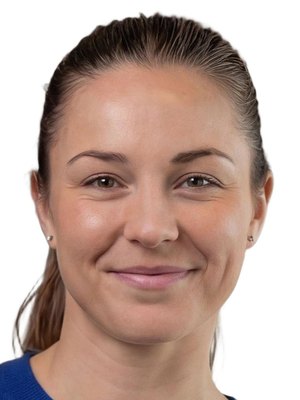
Three steps to a consistent image.
Photo capture
The process can be started from an existing application or from Photo Collect. Capture via smartphone, app, or photo kiosk.
Checking and processing
The AI checks the image immediately and processes it automatically according to defined requirements. Manual quality control is optional.
Integration
The processed image can be exported or transferred to existing systems via sFTP or API. The data is deleted automatically after processing.
What companies say
“We save a great deal of time because there is no more appointment scheduling.”
20,000 ID cards, not a single photo appointment
Read more Ari SchusterHead of Security
“Photo Collect is an integral part of our ID card process and the associated photo procurement. We received high-quality photos in a short period of time.”
 M. PapenfussBMW Group
No more manual processes.
Photo Collect automates the entire workflow — from the invitation to integration into your existing systems.
All locations
Consistent visuals across all locations and branches.
AI quality check
Automatic check right at capture — real-time feedback.
Interfaces
Direct connection to common HR, ERP, and badge systems.
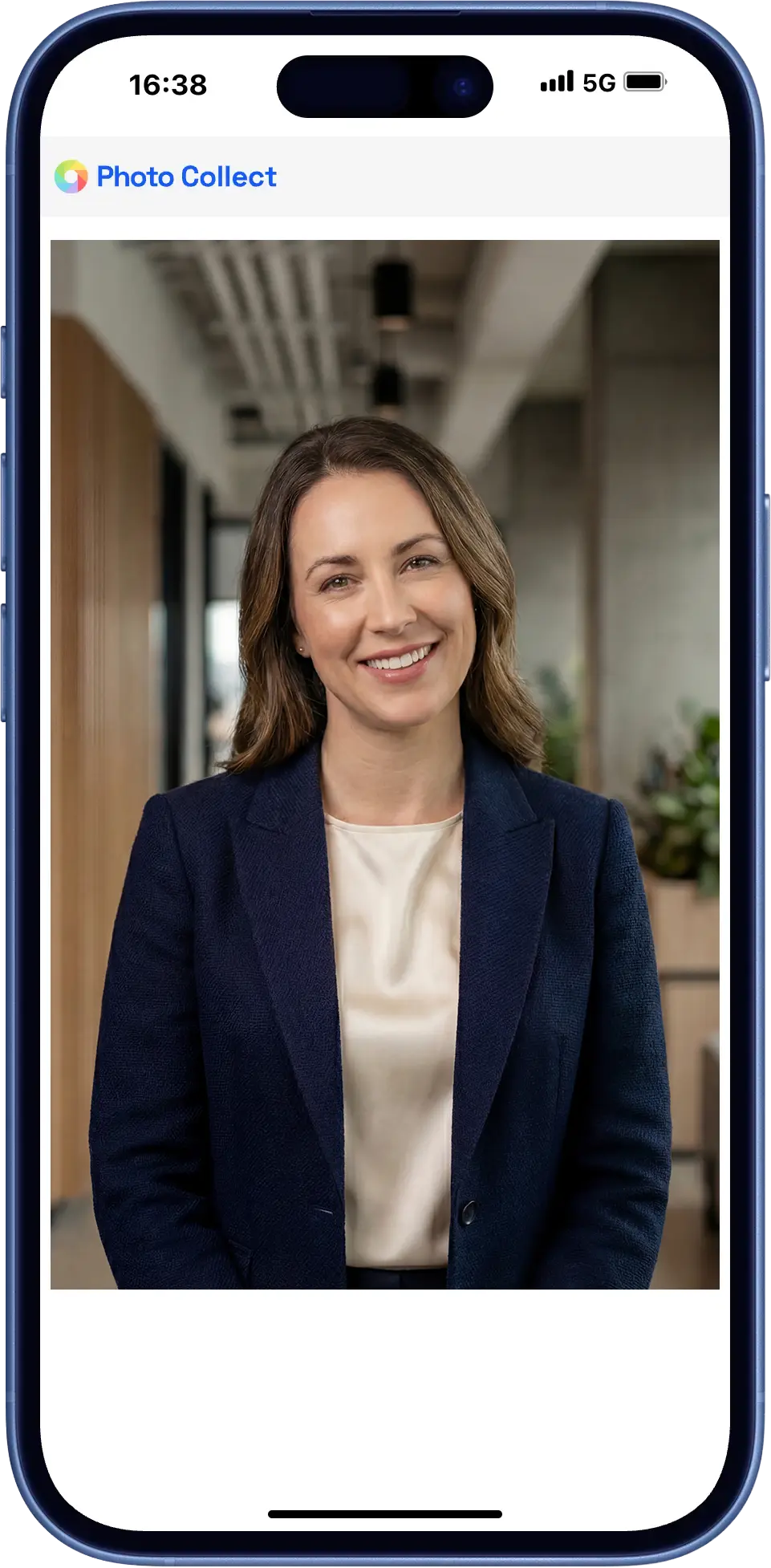
Remote smartphone capture
Employees receive a personal upload link directly from Photo Collect — via email, SMS, or QR code.
- The upload works without login and without app installation
- AI-powered image checking and automatic processing
- Scalable to thousands of photos per day
On-site capture
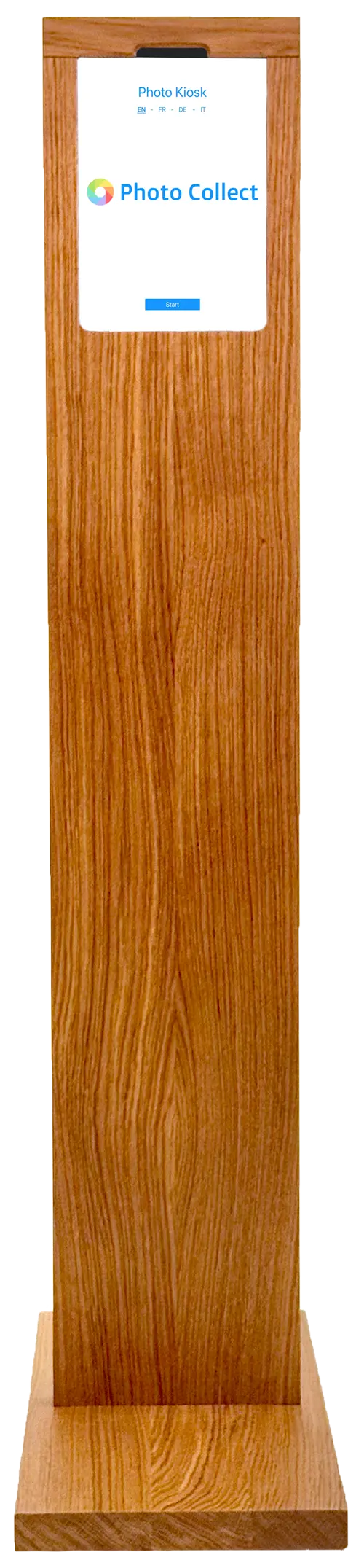
With the photo kiosk or the staff-operated app, photos are taken directly on site — for example in production and shift operations.
- Self-service kiosk or app for card offices
- Integrated background removal
- Wireless operation possible
Highly automated through to approval.
Photos are immediately checked for consistency and quality and automatically processed to the required format. Optional manual quality control guarantees fully compliant results.





Head not facing forward
Faulty photos are detected during upload — with instant feedback.
- 35+ automatic checks
- Configurable criteria and strictness
- Feedback with specific instructions
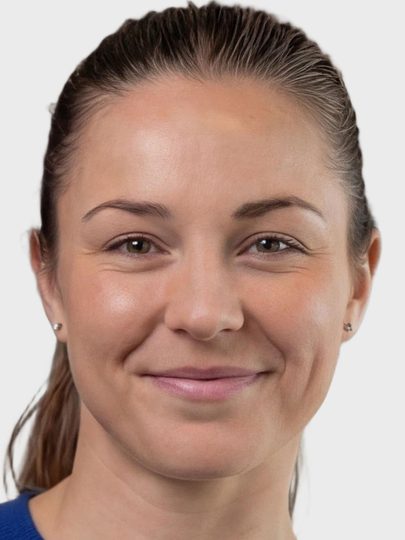


Portrait, close zoom, gray background
Uploaded photos are automatically processed to the required format, including:
- Alignment and centering of the face
- Adjustment of format and zoom
- Background replacement as specified
Photos can optionally be reviewed manually before final approval.
- Integrated messaging for new requests
- New invitation with detailed reason
- Interface designed for large review volumes
What a company-wide rollout needs.
Thousands of employees at multiple locations, alongside day-to-day business — these features keep the process moving.
Sending in waves
Invitations go out by location, department, or start date — not all at once.
Automatic reminder
Anyone who doesn't respond receives a follow-up invitation. The status can be viewed at any time.
Multiple variants
One shot produces several crops — for the ID card, intranet, and marketing at the same time.
Swiss made, Swiss hosted.
The software is developed in Switzerland and runs in an ISO 27001-certified data center in Switzerland. On-premise hosting available. Sovereign infrastructure and AI models.
Use cases for companies
From the plant ID card to the intranet profile picture: the same process, different formats, channels, and target systems.
Employee ID cards
Consistent photos for plant ID cards, access cards, and badges — even for rebadging in large waves.
Use caseAccess control
Checked portraits for access control systems — incorrectly formatted images never even reach the card office.
Use caseCommunication
One portrait for the intranet, Teams, and the org chart — without a photo appointment and without post-processing.
Use caseFrequently Asked Questions
Which photo formats are possible?
The photo formats can be freely configured. In addition to the standard format in the corporate sector (4:3) and the passport photo format (1:1 or 45:35), any aspect ratio can be configured. Photos with a round cut-out are also possible.
Do employees need to give their consent?
For use on employee ID cards, consent is generally not required under the GDPR and the Swiss FADP. For additional purposes such as a Microsoft Teams profile picture or marketing material, however, consent is required.
Is integration with existing HR systems possible?
Yes, Photo Collect offers a REST API that enables seamless integration with existing systems.
How long are the photos stored?
The photos are automatically deleted after the process is completed. The exact storage period can be adjusted according to customer requirements.