Event badges and membership cards
Photos for attendee badges at congresses, trade fairs, and major events, and for membership cards of clubs and associations — from registration to the printed badge.



Starting point
At an event with several thousand attendees, the entrance is where the first impression is made or lost. Taking photos on site means staff, hardware, and waiting times.
Images that attendees send in by email arrive in every conceivable format — and have to be cropped by hand. With membership cards, the same question arises throughout the year: with every new membership and every renewal.
From registration to badge.
Start from registration
The upload link is attached to the registration — via API from the registration tool or sent from Photo Collect.
Checking and processing
Every image is checked immediately and converted to the print format. Queries arise before the event, not at the entrance.
Handover to printing
The export goes to card production in a single batch — named after your attendee number.
Photo at registration
The upload link is linked to registration: anyone who registers uploads their photo in the same step.
- The upload works without login and without app installation
- The check runs immediately, and unusable images are re-requested before the event
- Connection to ticketing via REST API
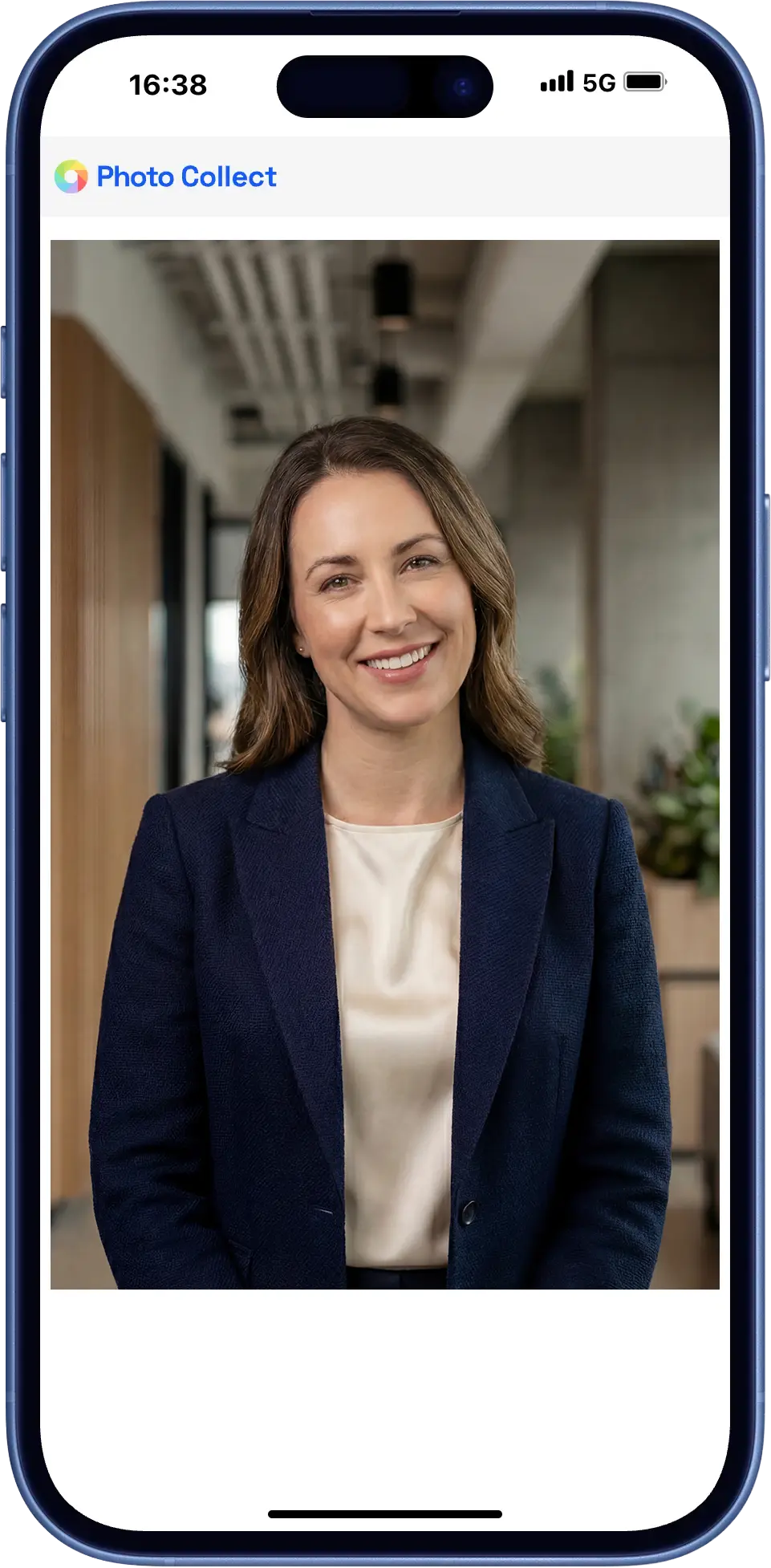
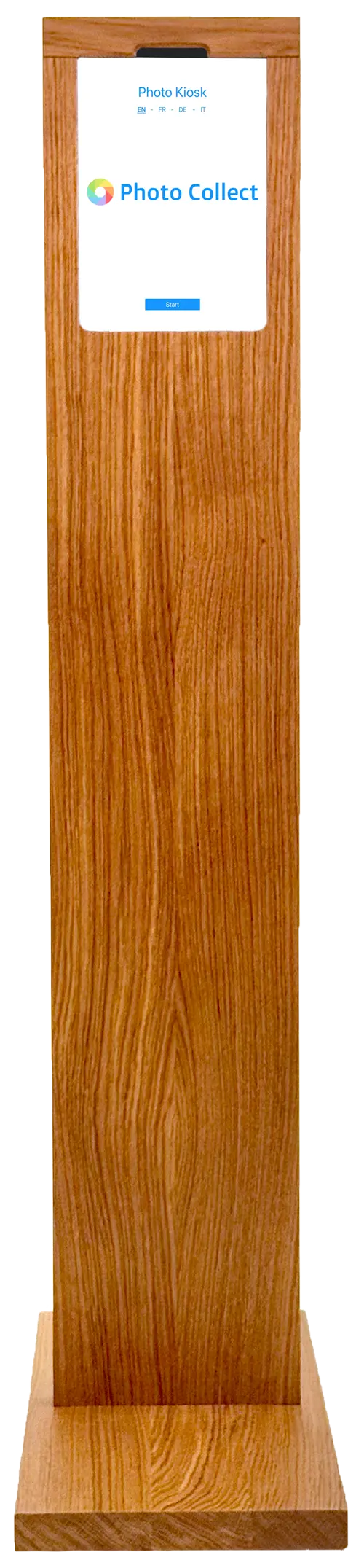
Photo kiosk at the event
Anyone who arrives without a photo is captured on site — at the self-service kiosk in the entrance area or with assistance at the counter.
- Self-service kiosk in the entrance area
- Assisted capture for latecomers
- Wireless operation possible, even in halls without infrastructure
Highly automated through to approval.
Photos are immediately checked for consistency and quality and automatically processed to the required format. Optional manual quality control guarantees fully compliant results.





Head not facing forward
Faulty photos are detected during upload — with instant feedback.
- 35+ automatic checks
- Configurable criteria and strictness
- Feedback with specific instructions


Portrait, close zoom, gray background
Uploaded photos are automatically processed to the required format, including:
- Alignment and centering of the face
- Adjustment of format and zoom
- Background replacement as specified
Photos can optionally be reviewed manually before final approval.
- Integrated messaging for new requests
- New invitation with detailed reason
- Interface designed for large review volumes
No photo bottleneck at the entrance.
The badges are printed before the first guests arrive — without photo staff and without waiting times on site.
Part of registration
Registration and photo happen in one step, not in two channels.
No manual cropping
Submitted images in any format are automatically converted to the badge format.
Straight to print
The export goes in bulk to the card printer or back to ticketing via an interface.
What counts under deadline pressure.
An event has a deadline. Whatever isn't in by then is missing — which is why the focus is on follow-ups and speed.
Time-bound capture
Upload links are valid for a limited time and tied to one person — aligned with the registration deadline and cut-off date.
Automatic reminder
Anyone who doesn't respond receives a follow-up invitation. The status can be viewed at any time.
Without app, without login
The upload runs in the default browser. On a desktop, a QR code transfers the session to the smartphone.
Connected to the registration tool.
Photo capture is tied to registration so that nobody has to be contacted twice.
- Start via REST API or deep link from registration
- Attendee lists via Excel import
- Export in the exact print format
- Automatic deletion after the event
- REST/JSON API Full control from the business application
- Deep link Session handover without your own integration
- Card management Printing, personalization, and reordering
- Export as ZIP or via sFTP No integration needed, directly to the target system
Swiss made, Swiss hosted.
The software is developed in Switzerland and runs in an ISO 27001-certified data center in Switzerland. On-premise hosting available. Sovereign infrastructure and AI models.
Frequently Asked Questions
Do attendees need to install an app?
No. The upload runs in the device's default browser, with no login and no app installation. On a desktop, a QR code transfers the session to the smartphone.
Which photo formats are possible?
The photo formats can be freely configured. In addition to the standard format in the corporate sector (4:3) and the passport photo format (1:1 or 45:35), any aspect ratio can be configured. Photos with a round cut-out are also possible.
How long are the photos stored?
The photos are automatically deleted after the process is completed. The exact storage period can be adjusted according to customer requirements.