Communication
One consistent portrait per person — for the intranet, directory, Teams profile, and website, without a photo appointment and without manual post-processing.

Starting point
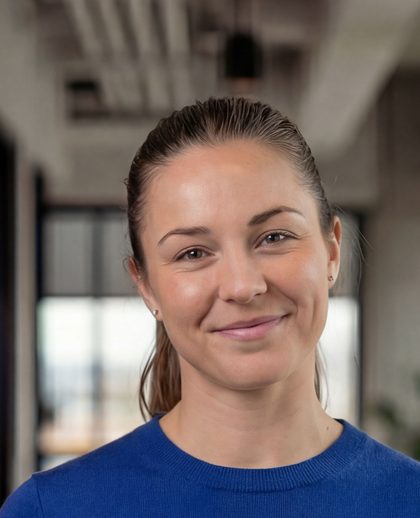
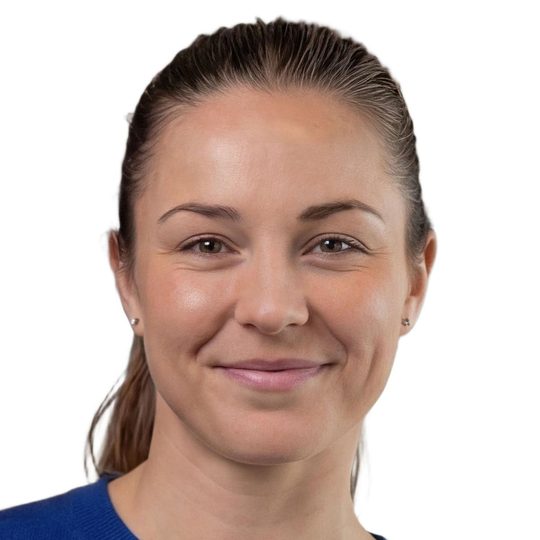
Profile pictures accumulate over the years: vacation photos, old application photos, crops from group shots. In the directory and in Teams, the results appear right next to each other.
A professional photo shoot solves the problem once — but not for the people who join afterward.
From start date to profile picture.
Invitation on joining
New employees receive their upload link during preboarding — the photo is ready before the first working day begins.
Checking and processing
Cropping, zoom, and background follow your corporate design. One shot produces all the variants you need.
Distribution to the systems
The image goes to the intranet, the directory, and Teams — via the API or as an export.
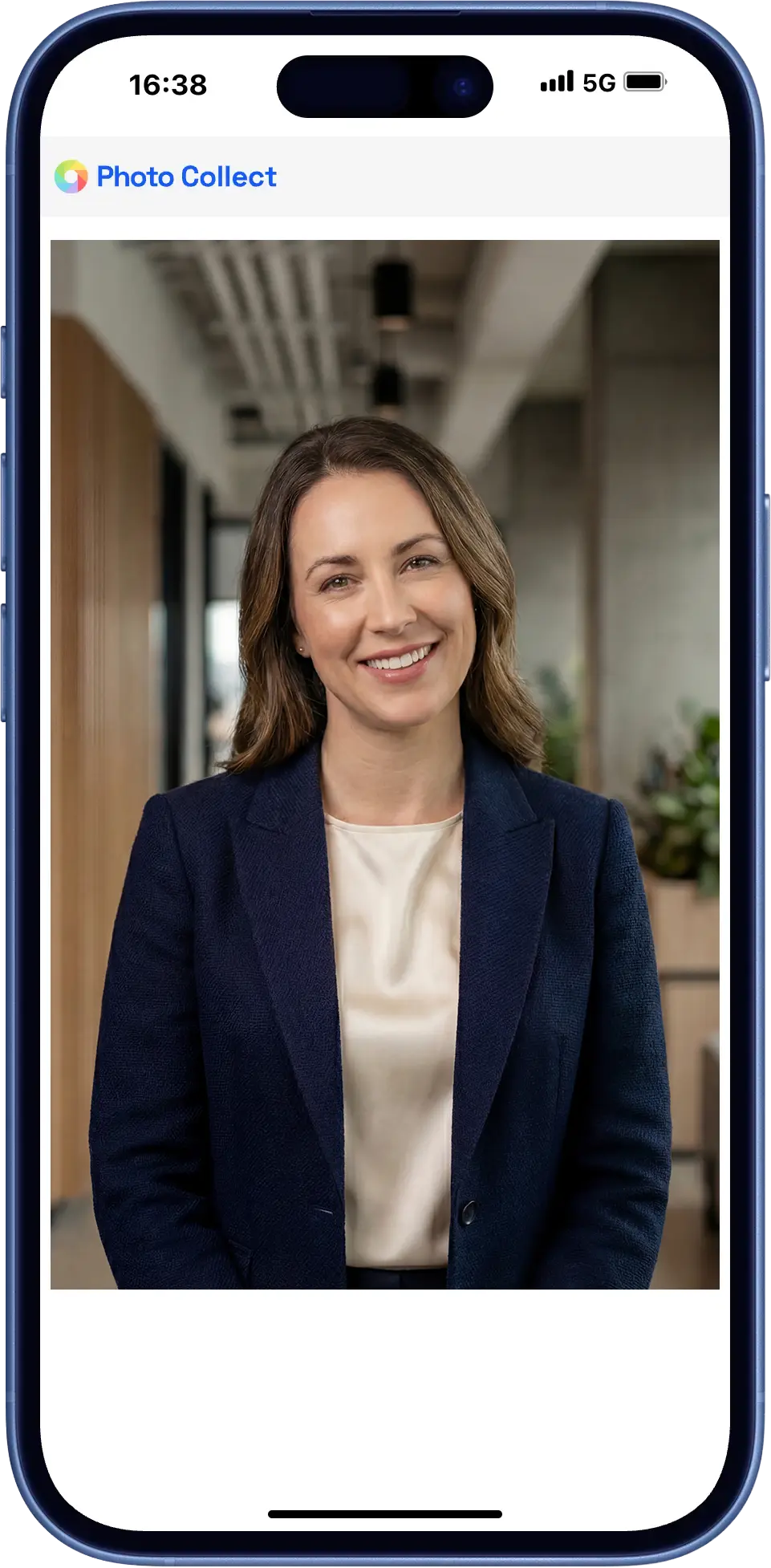
Capture with your own smartphone
The upload link goes to the entire workforce — and then automatically to every new hire.
- The upload works without login and without app installation
- Cropping, background, and color profile follow your corporate design
- The same photo can also be output in ID card format
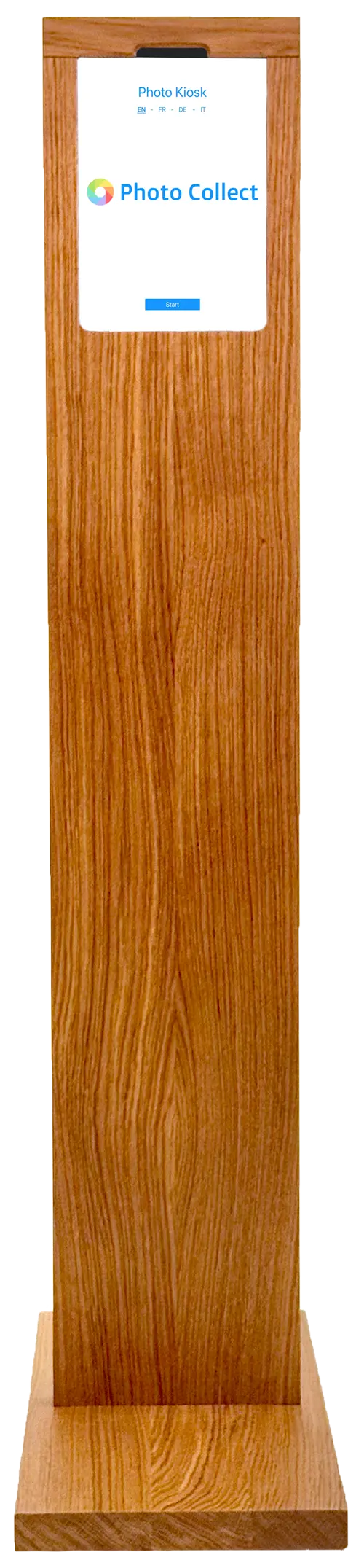
In-house photo kiosk
Anyone who doesn't want to use their own device is photographed on site — at the self-service kiosk or with assistance, for example on the first working day.
- Self-service kiosk at reception or in the HR department
- Assisted capture during onboarding
- Same check, same result as with an upload
Highly automated through to approval.
Photos are immediately checked for consistency and quality and automatically processed to the required format. Optional manual quality control guarantees fully compliant results.
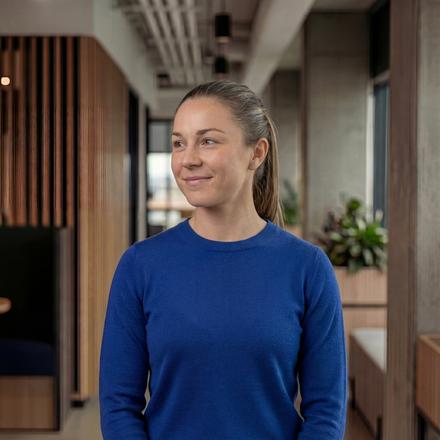
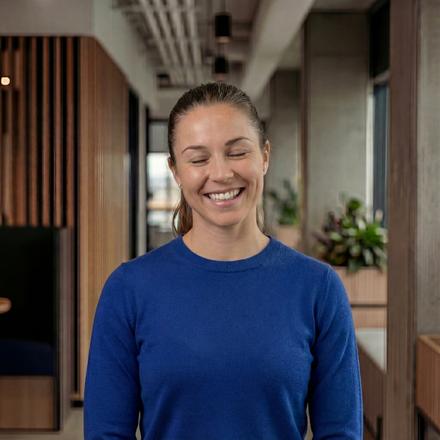

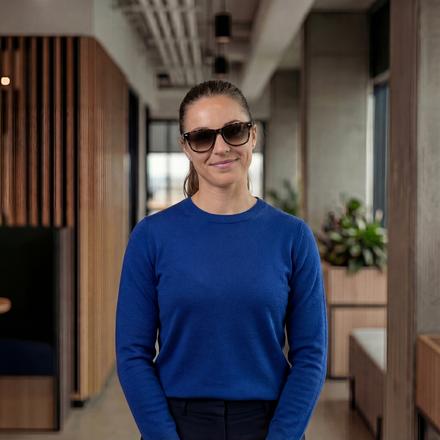
Head not facing forward
Faulty photos are detected during upload — with instant feedback.
- 35+ automatic checks
- Configurable criteria and strictness
- Feedback with specific instructions
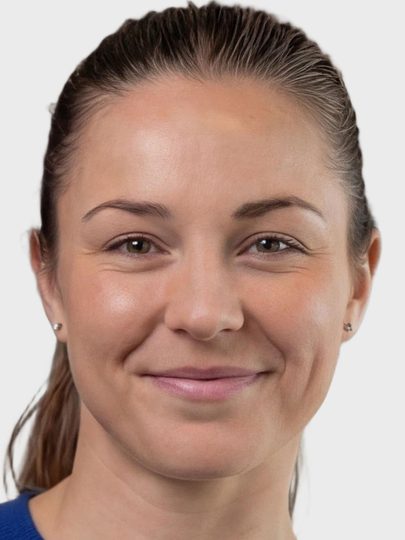
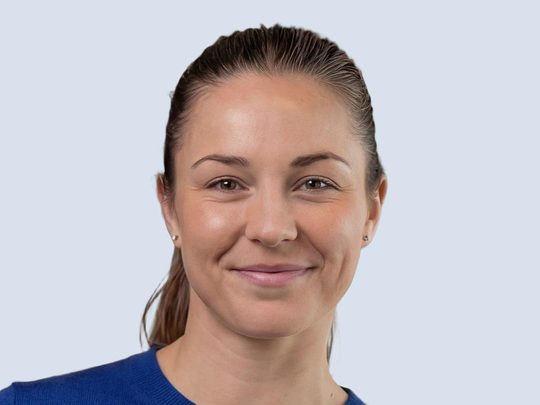
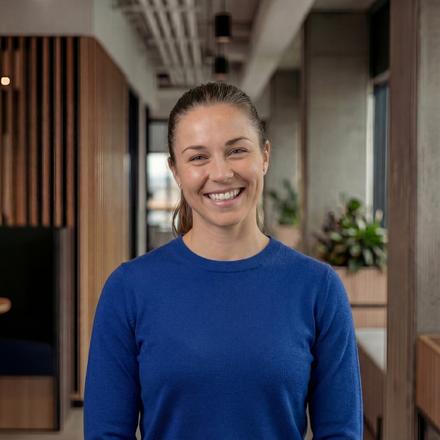
Portrait, close zoom, gray background
Uploaded photos are automatically processed to the required format, including:
- Alignment and centering of the face
- Adjustment of format and zoom
- Background replacement as specified
Photos can optionally be reviewed manually before final approval.
- Integrated messaging for new requests
- New invitation with detailed reason
- Interface designed for large review volumes
A consistent directory, for good.
A photo shoot solves the problem once. Photo Collect keeps it solved — including for everyone who joins afterward.
Part of onboarding
Joining the company triggers the invitation; the profile picture is in place from the first working day.
In your corporate design
Cropping, background, and color profile are defined once and apply to all photos.
Back into the directory
Export runs as ZIP, via REST API, or directly to Active Directory and Entra ID.
What sets a profile picture apart from an ID photo.
What matters here is not the official standard, but a consistent image across departments and locations — and employee consent.
Multiple variants
One shot produces several crops — for the ID card, intranet, and marketing at the same time.
Your own branding
Colors, logo, and sender domain are yours. For the person taking the photo, it remains your process.
Automatic reminder
Anyone who doesn't respond receives a follow-up invitation. The status can be viewed at any time.
Into the intranet and directory.
The finished images go where they are needed — without anyone having to rename files by hand.
- Master data from the HR system or directory service
- Return via REST API or as an export
- Multiple crops from one shot
- Refreshing existing images in waves
- HR and ERP systems Master data, onboarding, and rebadging
- REST/JSON API Full control from the business application
- Export as ZIP or via sFTP No integration needed, directly to the target system
Swiss made, Swiss hosted.
The software is developed in Switzerland and runs in an ISO 27001-certified data center in Switzerland. On-premise hosting available. Sovereign infrastructure and AI models.
Frequently Asked Questions
Can variations of a photo be created?
Yes, multiple variants can be created for each photo, for example for the badge, marketing, the profile picture in Microsoft Teams, or professional networks such as LinkedIn.
Do employees need to give their consent?
For use on employee ID cards, consent is generally not required under the GDPR and the Swiss FADP. For additional purposes such as a Microsoft Teams profile picture or marketing material, however, consent is required.
Are the images edited with generative AI?
No, Photo Collect does not use generative AI, as this artificially creates or changes faces. The faces always remain completely original and unchanged.
Is integration with existing HR systems possible?
Yes, Photo Collect offers a REST API that enables seamless integration with existing systems.