Public transport passes
Photos for personal passes — captured and checked during online purchase, so that only the handover remains at the counter.



Starting point
Anyone buying a personal pass needs a photo — and it is often only taken at the counter. This costs customers waiting time and ties up sales staff.
Images submitted online are rarely usable: wrong crop, too dark, sunglasses. Every re-request delays issuing the pass.
From online purchase to pass.
Start in the online shop
The upload is part of the purchase — embedded in the online shop or app or via deep link, without an additional account.
Checking and processing
Every image is checked immediately and converted to card format. Unusable photos are re-requested while still in the purchase process.
Handover to sales
The photo goes to the sales system via an interface or in batches to card production — assigned to the customer number.
Upload at purchase
Anyone buying a pass online uploads their photo in the same step — or later via the link in the order confirmation.
- The upload works without login and without app installation
- Unusable images are automatically re-requested
- Scalable for peak loads, for example at the turn of the year
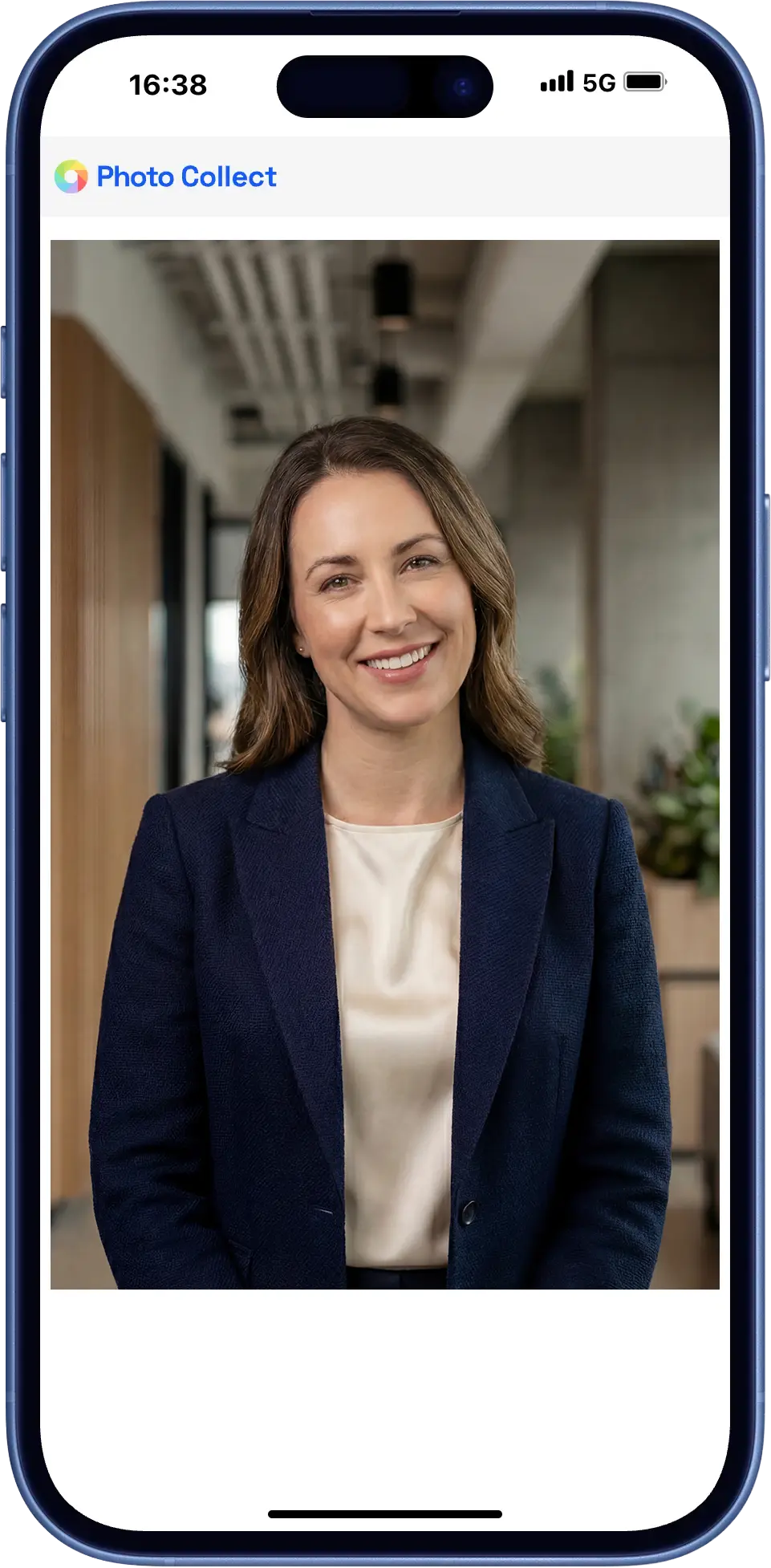
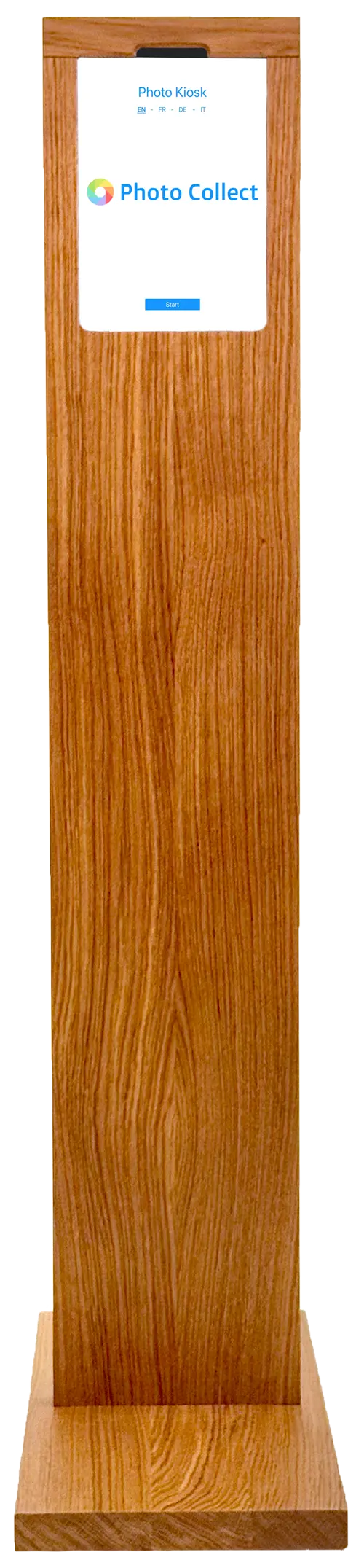
Photo kiosk at the counter
For customers without their own device, the self-service kiosk is available in the travel center or at the counter.
- Self-service kiosk in the travel center
- Assisted capture by your sales staff
- Integrated background removal, wireless operation possible
Highly automated through to approval.
Photos are immediately checked for consistency and quality and automatically processed to the required format. Optional manual quality control guarantees fully compliant results.





Head not facing forward
Faulty photos are detected during upload — with instant feedback.
- 35+ automatic checks
- Configurable criteria and strictness
- Feedback with specific instructions


Portrait, close zoom, gray background
Uploaded photos are automatically processed to the required format, including:
- Alignment and centering of the face
- Adjustment of format and zoom
- Background replacement as specified
Photos can optionally be reviewed manually before final approval.
- Integrated messaging for new requests
- New invitation with detailed reason
- Interface designed for large review volumes
Less crowding at the counter.
The photo is checked before customers get to the counter — or they no longer need to go there at all.
Part of the purchase
Pass and photo are handled in one step, not in two channels.
Relief for the counter
Sales staff no longer take photos or check submitted images.
Back into the sales system
The photo goes to the sales system via an interface or in batches to card production.
What takes the load off pass sales.
Passes are sold all year round, with peaks at the turn of the year. The workflow is designed for this.
Without app, without login
The upload runs in the default browser. On a desktop, a QR code transfers the session to the smartphone.
Automatic reminder
Anyone who doesn't respond receives a follow-up invitation. The status can be viewed at any time.
Time-bound capture
Upload links are valid for a limited time and tied to one person — aligned with the start of the pass's validity.
Embedded in the online shop.
Capture is integrated the way the purchase process requires — as a step in the order form or as a short detour to the smartphone.
- iFrame embedding or deep link with return
- Customer data from the sales system
- Export in the exact print format
- Millions of records per year without performance loss
- iFrame Capture embedded in the form
- Deep link Session handover without your own integration
- Sales system Online shop, customer data, and card production
- Export as ZIP or via sFTP No integration needed, directly to the target system
Swiss made, Swiss hosted.
The software is developed in Switzerland and runs in an ISO 27001-certified data center in Switzerland. On-premise hosting available. Sovereign infrastructure and AI models.
Frequently Asked Questions
Do customers need to install an app?
No. The upload runs in the device's default browser, with no login and no app installation. On a desktop, a QR code transfers the session to the smartphone.
Can customer data be imported from the sales system?
Yes. Customer data comes from the sales system via REST API or via Excel import. The finished photo is returned assigned to the customer number.
How much time does quality control take?
Quality control is an optional quality assurance module and can also be switched off entirely. The interface is designed for fast, parallel review — around one second per photo. Since several people can review at the same time, even tens of thousands of photos per hour can be processed. As a rule, 2–4% of photos are requested again.