Visas and permits
Visas and permits are subject to the same image standard as passports and identity cards: ICAO 9303. Photo Collect checks the photo before submission — instead of errors only being noticed at the counter or during printing.

Starting point
For visas and permits, the image determines whether the application is accepted. If it is rejected, the entire procedure is delayed — with appointments that cannot simply be rescheduled.
Today, the photo is often checked only in the target system or at the counter. By the time the error is noticed, the applicant has long since left.
Compliant before the application goes out.
Capture before submission
The photo is taken where the application is created — in the portal, at the counter, or from home via QR letter.
Checks according to specifications
Checks are performed against ICAO 9303, ISO/IEC 19794-5, and the requirements of the issuing authority.
Handover to the business application
The approved image goes to ID card production with structured metadata — with OpenPGP encryption on request.
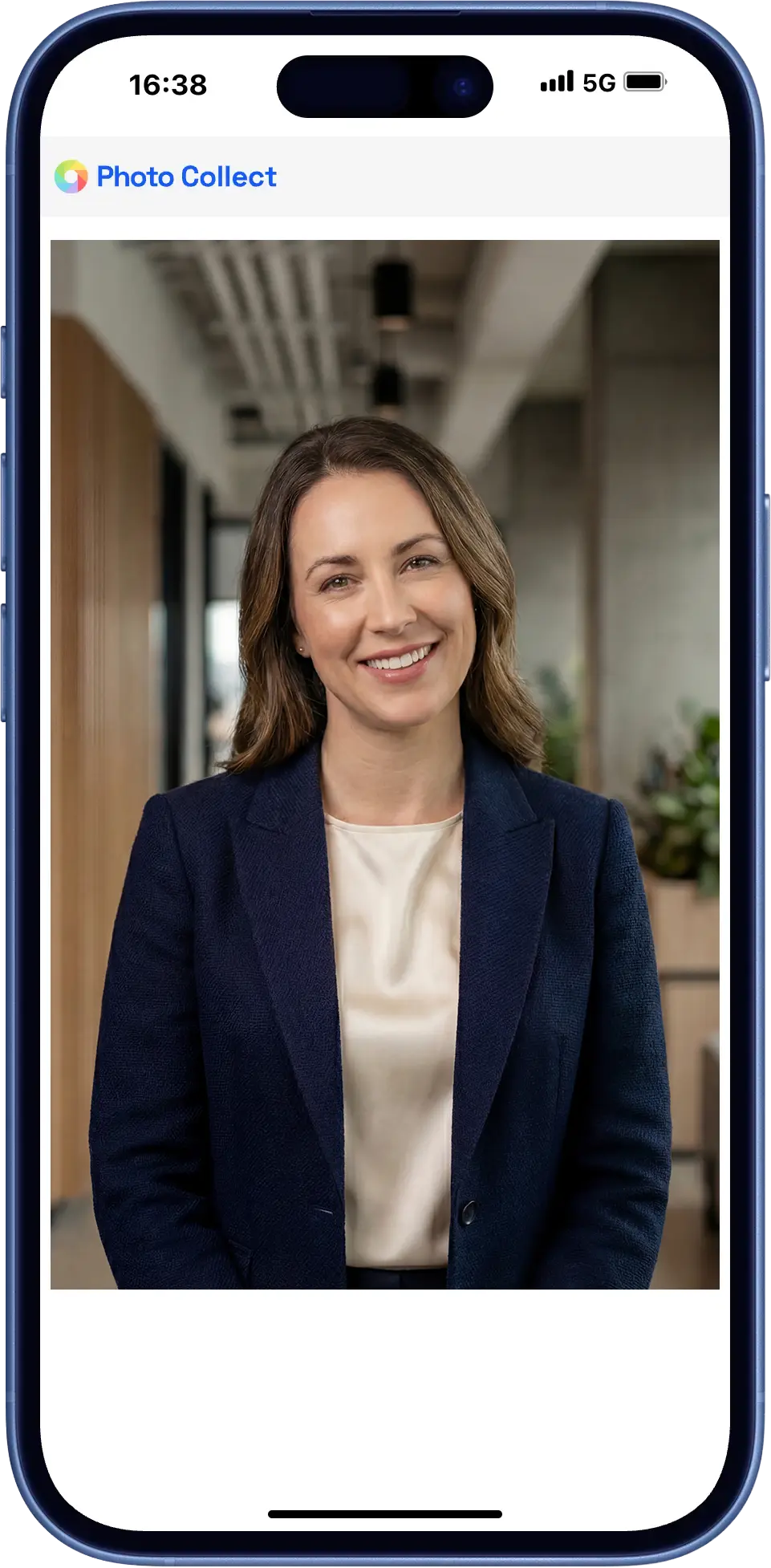
Capture before submission
Applicants upload their photo before the application goes out — from the portal or via the QR code in the appointment letter.
- Checks are based on the profile of the respective document, directly during upload
- Insufficient photos immediately trigger a new request, with the reason in plain language
- No login and no app installation
Capture during the in-person visit
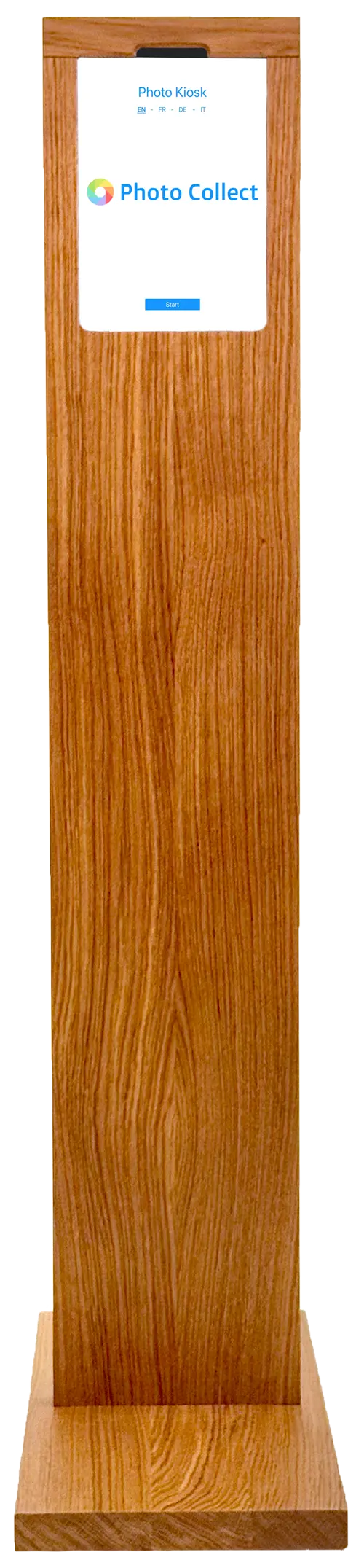
During the in-person visit, the image is taken on site — assisted by your staff or at the self-service kiosk in the waiting area.
- Assisted capture by your staff
- Self-service kiosk for the waiting area
- The same check profiles as for uploads from home
Highly automated through to approval.
Photos are immediately checked for consistency and quality and automatically processed to the required format. Optional manual quality control guarantees fully compliant results.
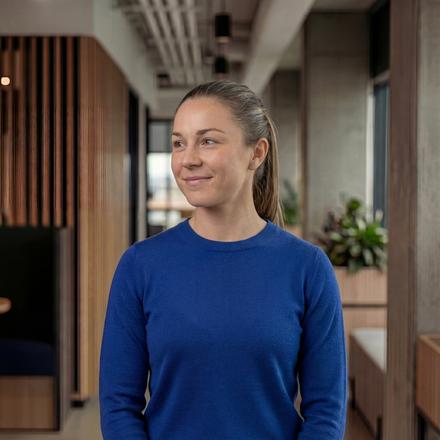
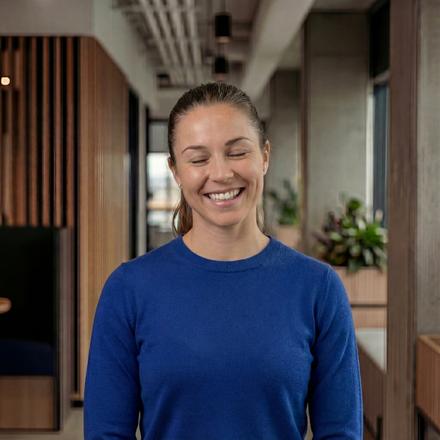
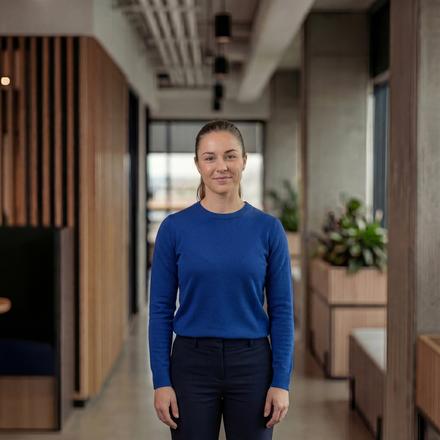
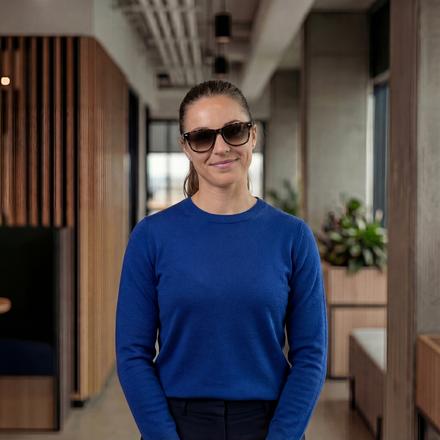
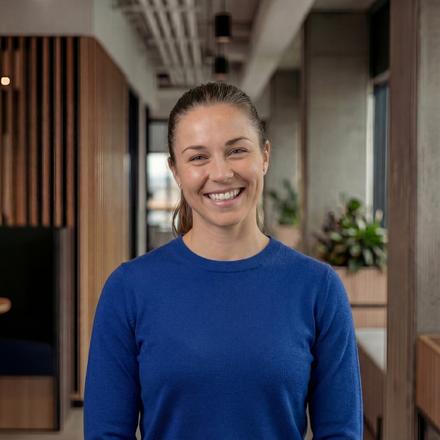
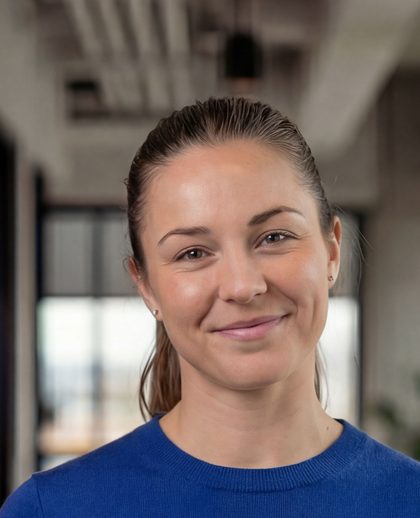
Head not facing forward
Faulty photos are detected during upload — with instant feedback.
- 35+ automatic checks
- Configurable criteria and strictness
- Feedback with specific instructions
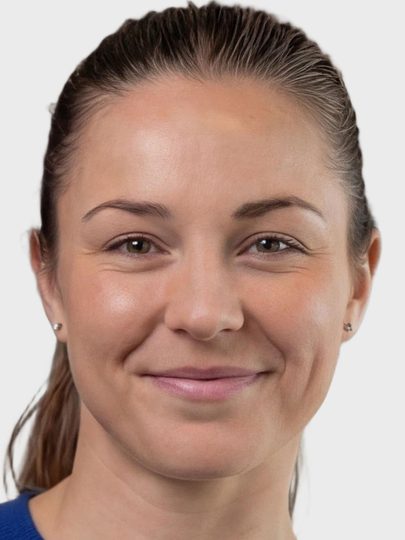
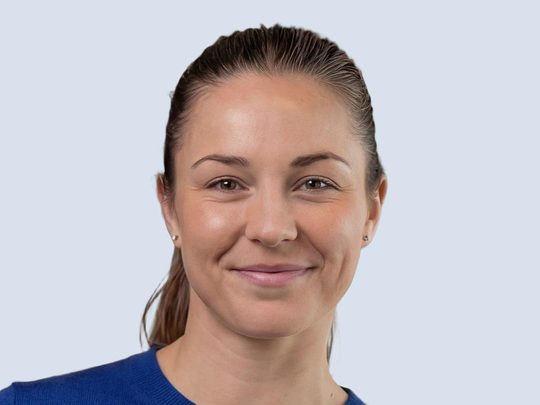
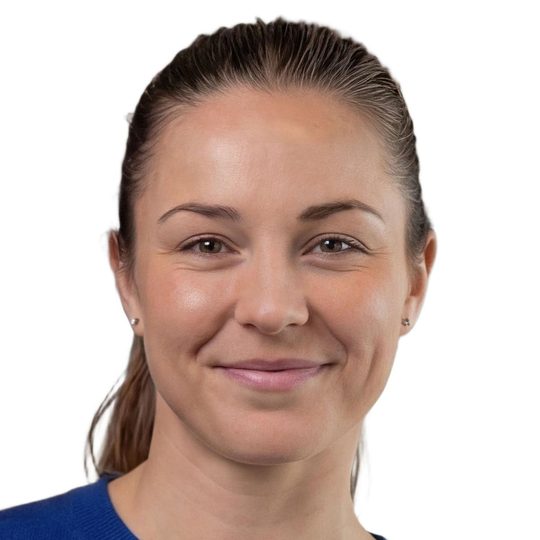
Portrait, close zoom, gray background
Uploaded photos are automatically processed to the required format, including:
- Alignment and centering of the face
- Adjustment of format and zoom
- Background replacement as specified
Photos can optionally be reviewed manually before final approval.
- Integrated messaging for new requests
- New invitation with detailed reason
- Interface designed for large review volumes
Rejections are caught before the application is submitted.
For visas and permits, the image determines acceptance. It is checked before the application is submitted — not later in the target system.
Keep appointments
A rejected image delays the entire procedure. The error is noticed while it can still be corrected.
One profile per document
Check criteria and output format follow the requirements of the issuing authority — depending on the document, whether visa or residence permit.
Reason in plain language
If an image is rejected, the new upload request states the reason and gives a tip for improvement.
What official permits additionally require.
The higher the requirements for the document, the more needs to be secured besides the photo — identity, presence, traceability.
Liveness check
A live video recording ensures that the person is physically present. Spoofing leads to rejection.
Document scan
The ID card or passport is scanned and matched against the photo. Name and date of birth are passed on to the target system.
Signature capture
Sign with a finger or stylus. Line weight, background removal, and cropping are handled automatically.
Within the existing infrastructure.
Photo Collect is provided as a managed service or operated in the authority's data center.
- REST/JSON API, deep link, or iFrame embedding
- Hosted by the provider or on-premise
- Export with OpenPGP encryption on request
- Millions of records per year without performance loss
- REST/JSON API Full control from the business application
- Deep link Session handover without your own integration
- iFrame Capture embedded in the form
Swiss made, Swiss hosted.
The software is developed in Switzerland and runs in an ISO 27001-certified data center in Switzerland. On-premise hosting available. Sovereign infrastructure and AI models.
Frequently Asked Questions
Do the photos meet ICAO standards?
Yes, the photos captured with Photo Collect meet the requirements of ICAO standards, provided that manual quality control is applied. The ICAO standards define international requirements for passport photos, especially for biometric IDs such as passports.
Are there special requirements for visa and permit photos?
Visa and permit photos follow the same international standard as passports and identity cards: ICAO 9303. Additional requirements of the issuing authority, for example regarding format or background, are stored as a check profile and automatically checked during upload.
Are the photos biometric?
Yes, Photo Collect can be used to capture biometric photos that comply with passport standards / ICAO standards. You can choose whether the mouth must be closed or whether you are allowed to smile in the photo. Further assessment of the photo is then carried out via quality control.